Keep us running with a donation
Our service is completely free and supported only by users like you, If you find our tool helpful, please consider a small donation. Every bit makes a difference!
If you have ever bought groceries, you already know how a QR code works!
When you buy a box of cereal, the cashier slides it over a scanner. The scanner reads the black-and-white lines of the barcode to instantly pull up the price on the register.
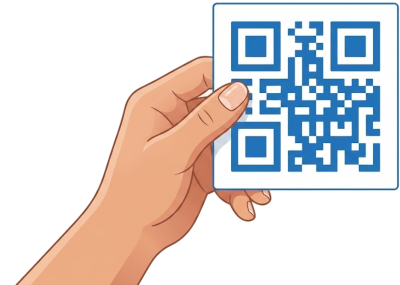
A QR code (which stands for "Quick Response" code) is simply a modern, square version of that same barcode.
Instead of holding a price for a grocery register, a QR code holds information—like emergency contact details or a web page link—that can be read by a smartphone.
Typing long web addresses or contact numbers on a small phone screen can be tricky and frustrating.
A QR code acts as a digital shortcut. Pointing your phone camera at the code reads the information automatically in a fraction of a second, saving you from having to type anything at all.
Using a QR code does not give anyone access to your phone, and it won't change any of your phone settings. It is simply a fast, safe way for your phone to read helpful information printed on paper, cards, or signs.
Just like a medical alert bracelet or a paper form in your wallet, your personal QR code acts as an instant reference for emergency responders.
We take the Do Not Resuscitate (DNR) instructions and contact details you provide and encode them directly into the square QR image.
You do not need to download any special apps to read a QR code. Your smartphone already has the scanner built right into its standard camera.
Open your phone's Camera app
(The same app you use to take everyday photos).
Point your camera at the QR code
Hold your phone steady so the square code is visible on your screen. You do not need to press the shutter button to take a picture.
Tap the notification that appears
After a moment, a small pop-up box or web link will appear on your screen. Simply tap it with your finger to open the information!
Our service is completely free and supported only by users like you, If you find our tool helpful, please consider a small donation. Every bit makes a difference!